Payloco Merchant Platform Introduction
Ⅰ、Login
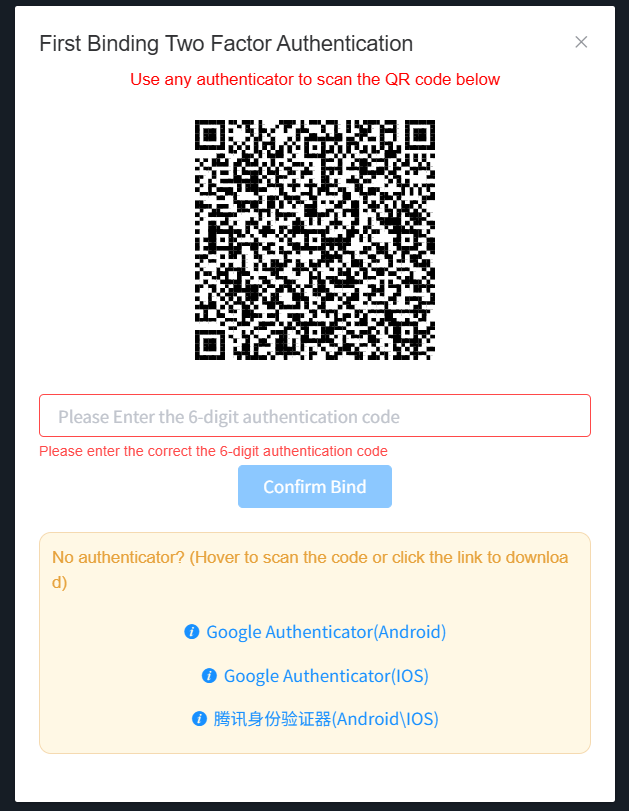 For your first login, you need to bind 2FA first, then enter the 2FA verification code on the login page to log in successfully.
Ⅱ、Password Change & Transaction Password Setup
1、A valid transaction password shall be provided to proceed with a withdrawal request
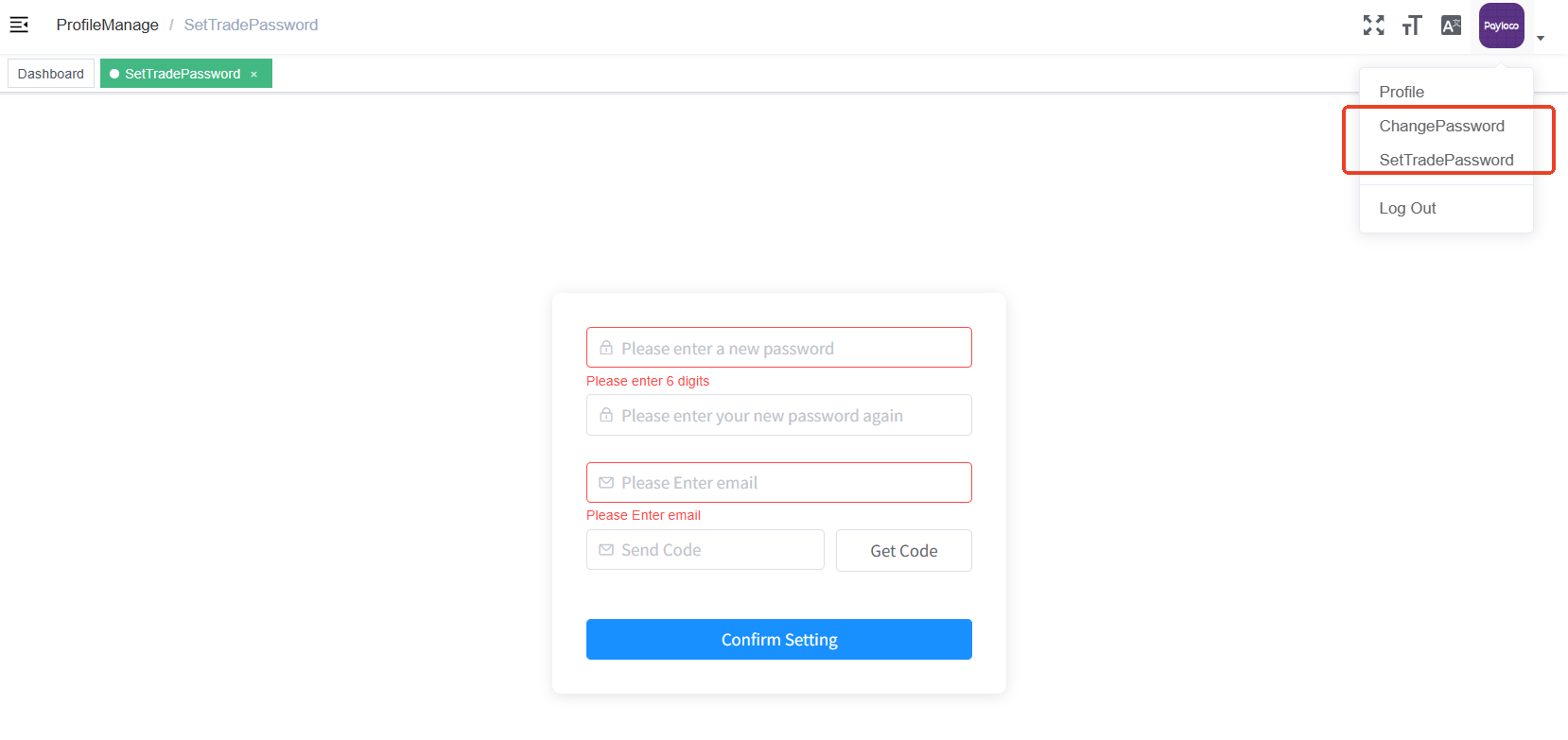
2、Users shall modify their passwords when logging in for the first time
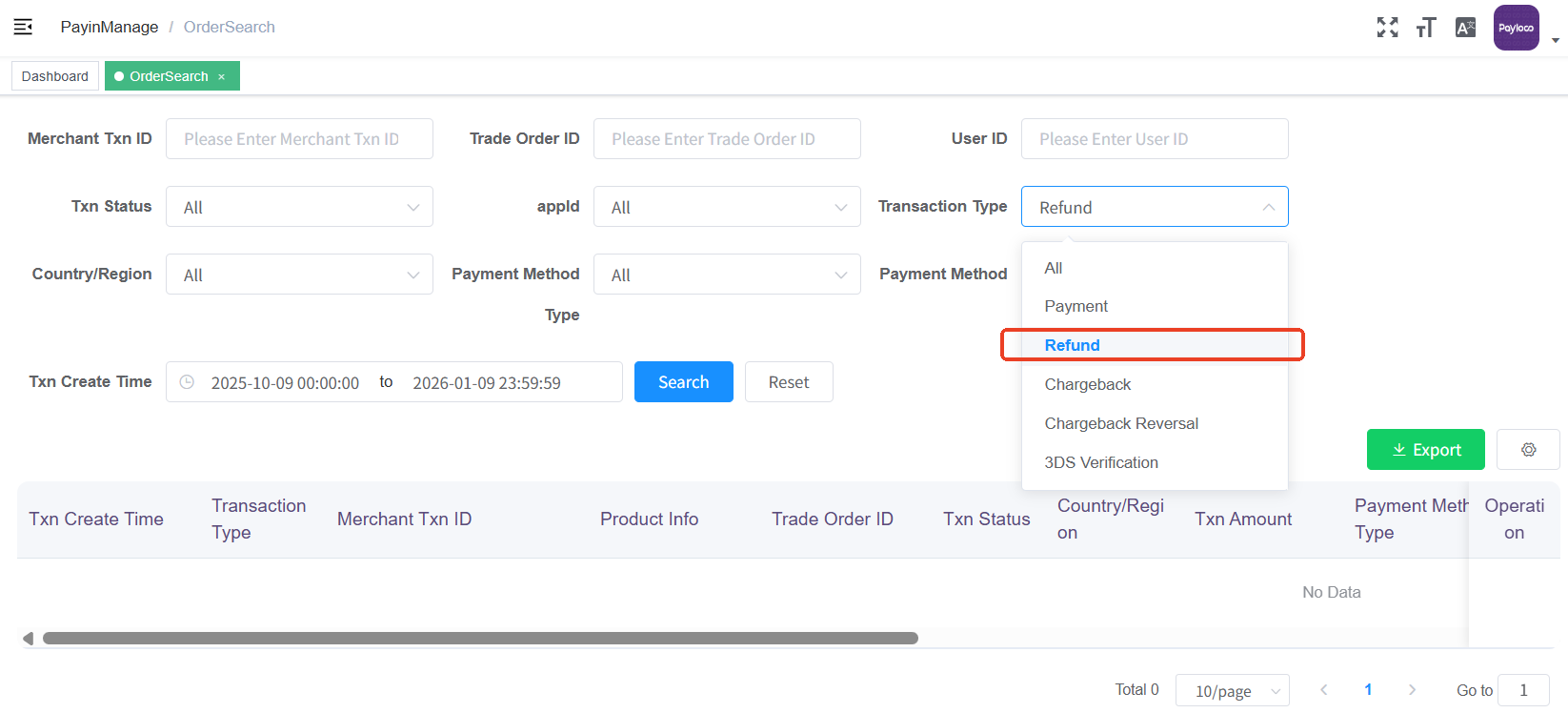
Ⅲ、Transaction Inquiry
Refund Inquiry
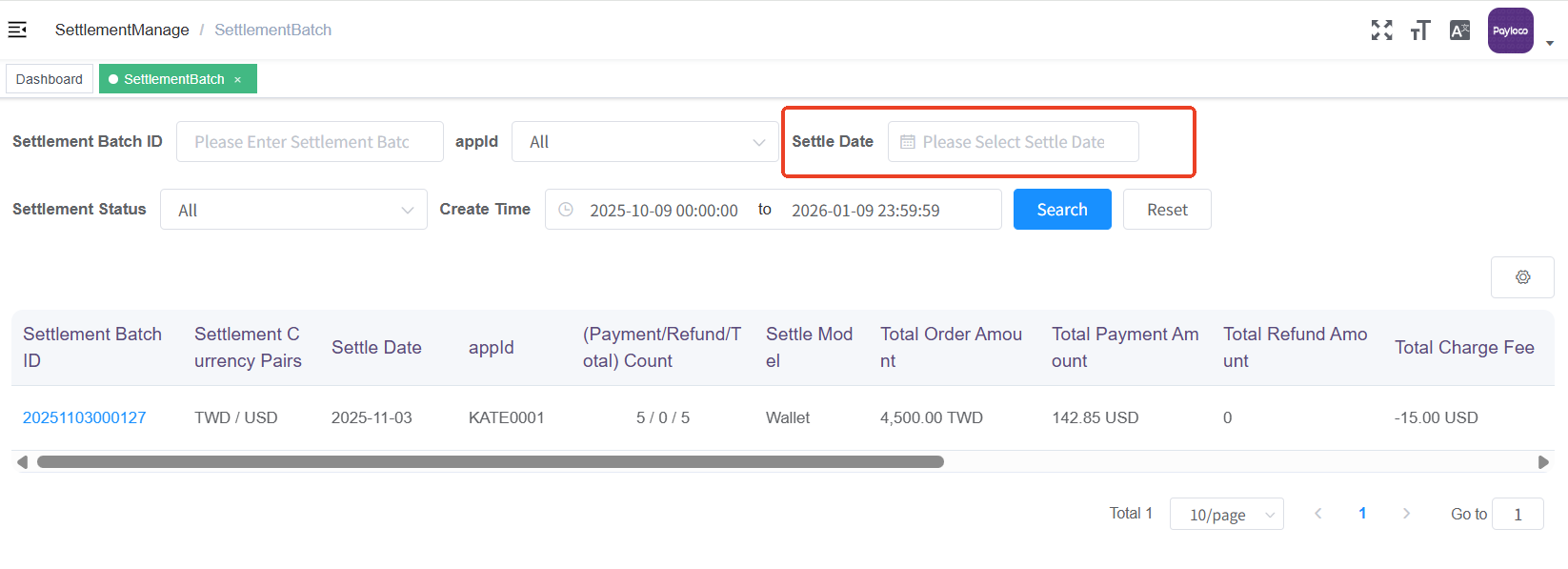
Ⅳ、Settlement Operation
Ⅴ、Settlement Report Template Download
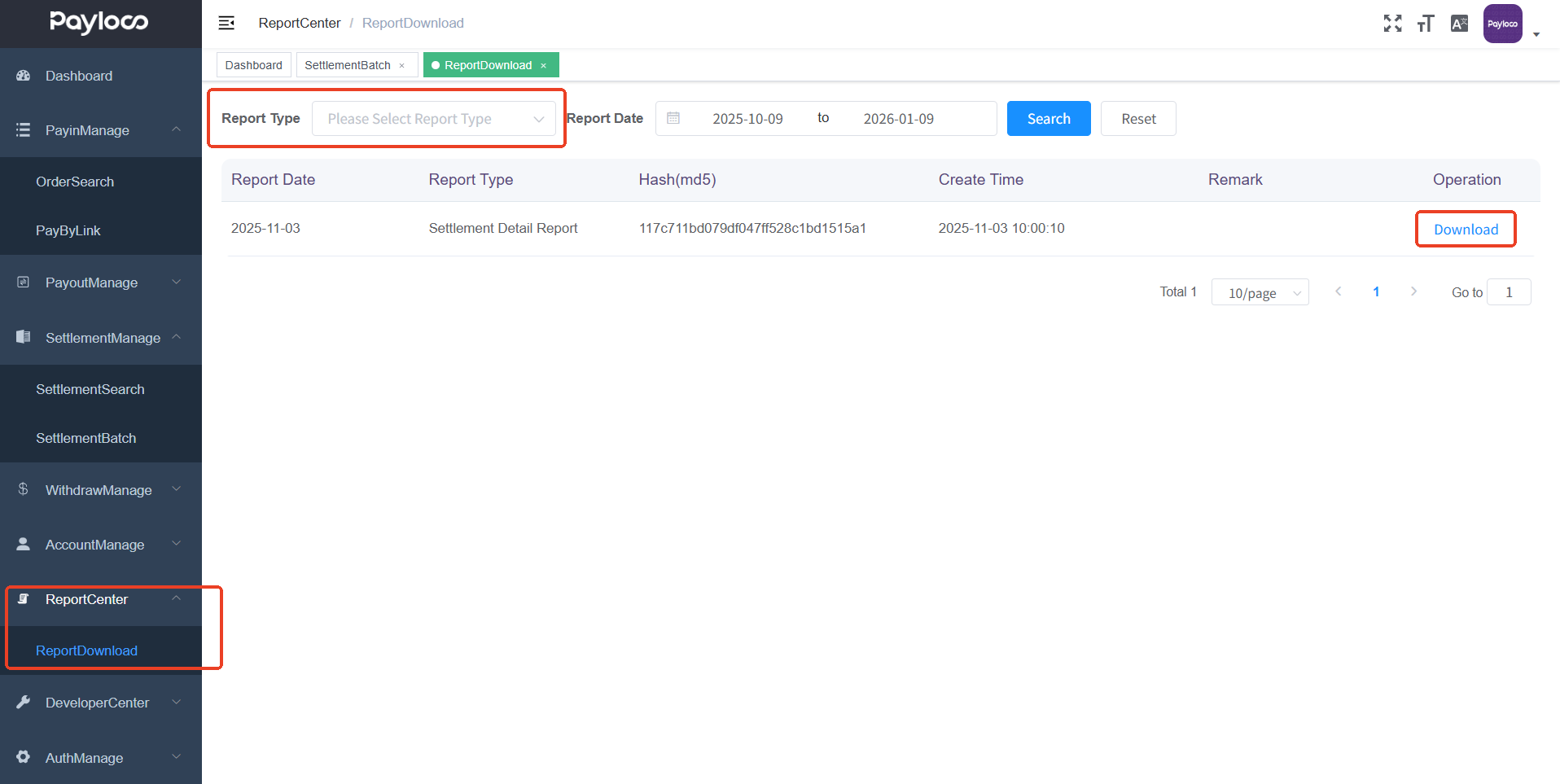
Download the Settlement Report Template
Ⅵ、Export Data from Transaction Inquiry
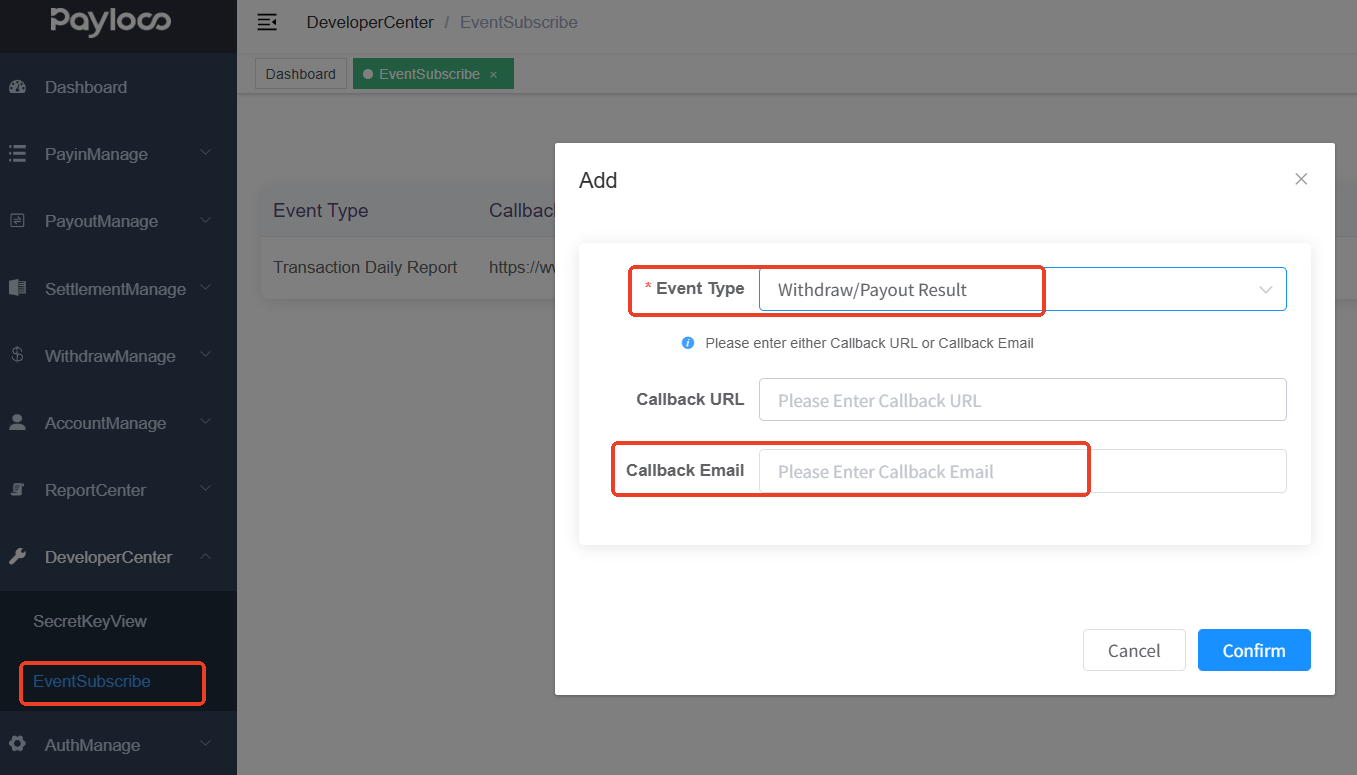
1、End-of-Day Report Subscription
End-of-day report subscription is required prior to download. Corresponding Data Source
- Payment Transaction End-of-Day Report => Acquiring Management -> Transaction Inquiry
- Settlement Detail Report => Settlement Management -> Settlement Inquiry
- Disbursement Transaction End-of-Day Report => Disbursement Management -> Disbursement Inquiry
2、End-of-Day Report Download
Subscribe to the end-of-day report. After successful subscription, the transaction report for the previous day will be automatically generated the next day, and then you can download it in the Report Center.
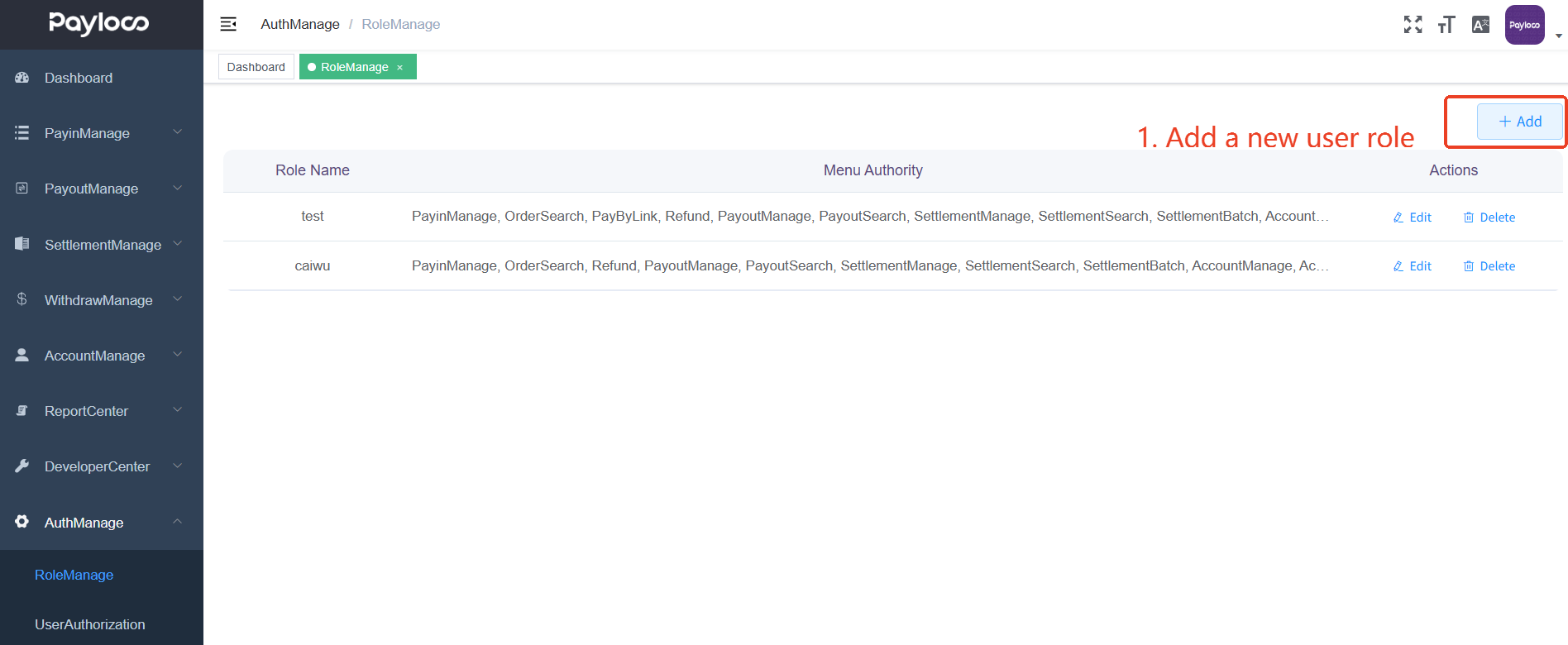
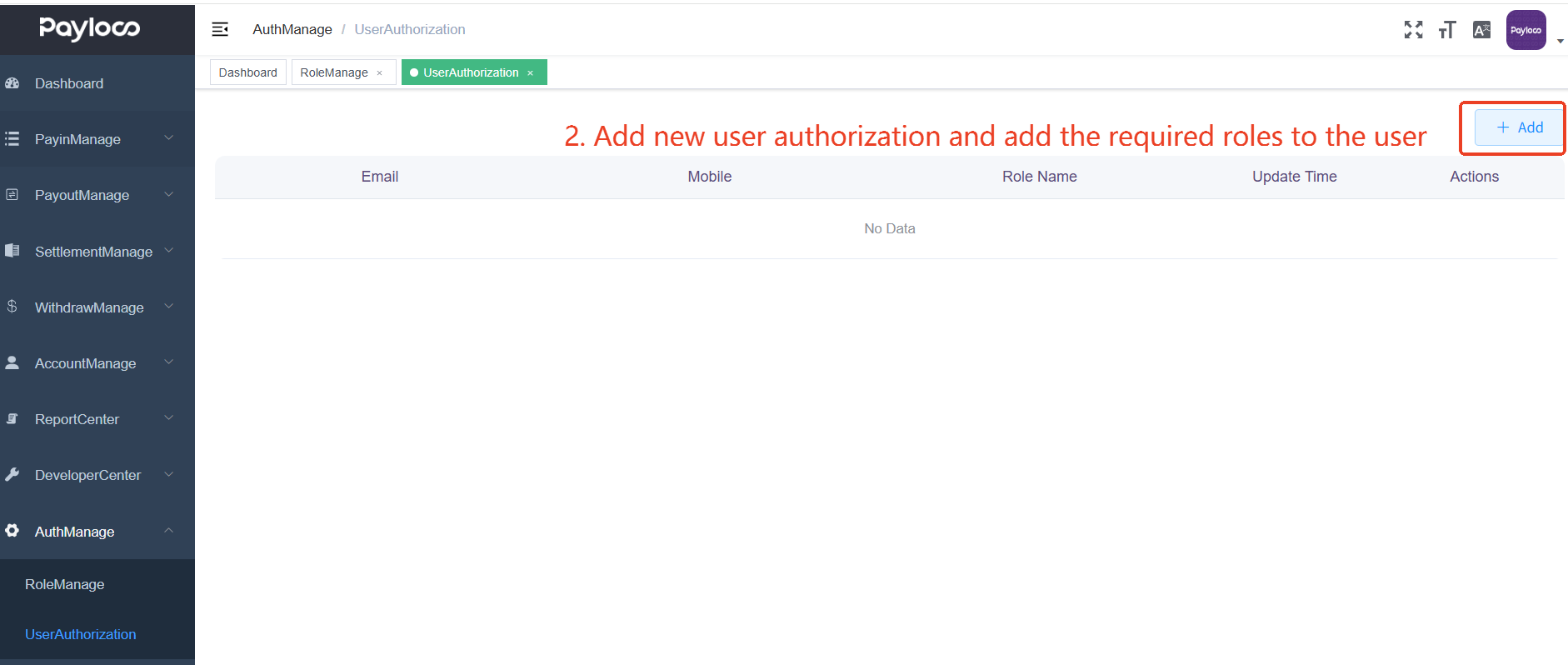
Ⅶ、Permission Management
Ⅷ、Subscription Management